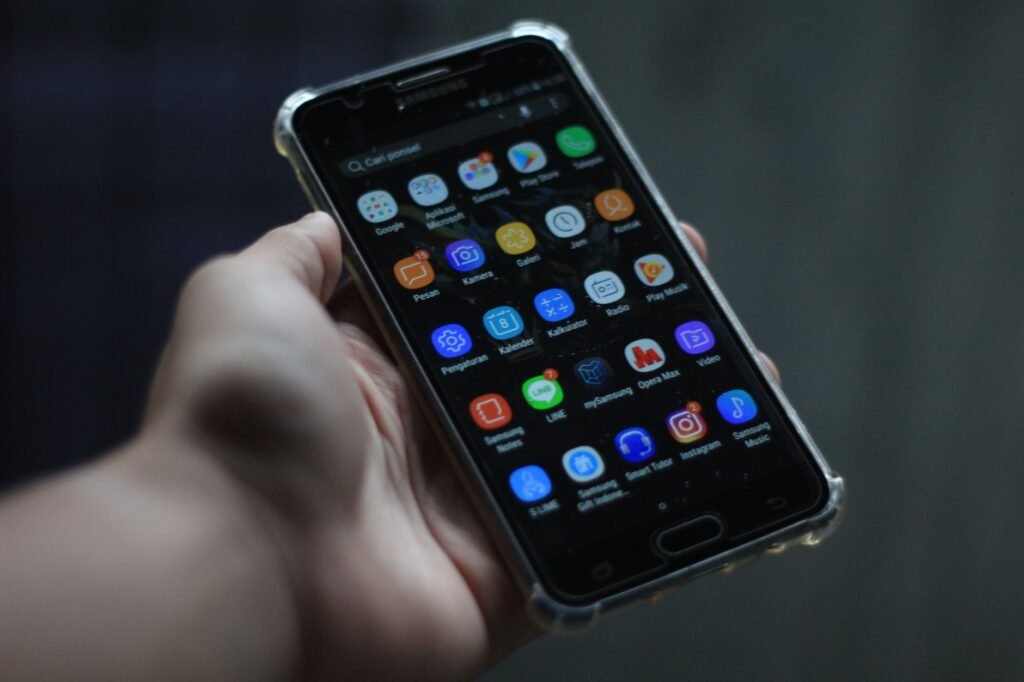
An APK is the package file Android uses to install an app, filling roughly the same role a setup file does on a Windows PC. Inside it sits the compiled code, the icons and text, and a manifest listing the permissions the app will ask for. Store installs use one without ever showing it to you.
What is actually inside an APK file
The letters stand for Android Package. Structurally the file is a zip archive with a fixed layout, which is why a curious person can rename one and peek inside, though the code within is compiled rather than readable text.
The manifest is the piece worth understanding. It declares the app name, the version, the oldest Android release the app supports, and every permission the app intends to request. Your phone reads that manifest before installation and decides what the app is allowed to touch.

| Component | What it carries |
|---|---|
| Compiled code files | The instructions the phone actually runs |
| Manifest | Name, version, permissions, minimum Android version |
| Resources folder | Icons, layouts, images, translated text |
| Native libraries | Code built for specific processor types |
| Signature block | A cryptographic signature identifying the publisher |
Why Android has these and iPhones do not
Android was built to allow installation from outside an app store, as long as the user turns that ability on for a particular app or browser. That design choice is why the file has a public name and why people trade them at all. The equivalent package on an iPhone exists, but Apple has historically restricted installation to its own store and to controlled enterprise channels, so ordinary users never handle the file.
Regulation has been shifting this ground, particularly in Europe, where alternative distribution on iPhones has opened up under new rules. What is permitted differs by region and keeps changing, so the current terms on Apple’s and Google’s own support pages are the only reliable reference.
The practical effect for an American phone owner is simple. On Android the option exists and is switched off until you deliberately allow it. On an iPhone, for most people, it does not.
Sideloading, and what you give up by doing it
Installing a package yourself is called sideloading. It has legitimate uses: beta builds a developer hands out directly, apps for hardware that never listed in a store, or a company distributing an internal tool to its own staff. It also carries costs that are easy to overlook.
- Nothing screened the file. Store submissions pass automated and manual checks, and a file pulled from elsewhere passed none of them.
- Updates stop being automatic. You are responsible for noticing that a newer version exists and repeating the process.
- Repackaged apps are common. Someone can take a real app, insert extra code, sign it themselves, and it will still install.
- Some apps refuse to run. Banking and payment apps often check whether the device allows unknown sources and shut themselves down.
The sensible default is the official store, and the reasonable exception is a file that comes directly from the developer who made the app, on the developer’s own website. Anything offering paid apps at no cost is not a source, it is a problem, and this article is not going to point you at one.
APK, AAB and the split files you might run into
Developers now submit an Android App Bundle rather than a finished package. The store takes that bundle and generates a tailored install for each phone, including only the screen resolution assets, the language, and the processor code that particular device needs. The result is a smaller download.
That change explains a common frustration. A single file copied from one phone may not install on another, because it was built for a different processor or is missing companion pieces. Those companions are called split packages, and various unofficial wrapper formats exist purely to bundle them back together.
If an install fails, the message usually points at the reason: an app built for a newer Android version, a mismatched processor, a signature conflict with an app already installed, or simply not enough storage. None of those are fixed by finding a different copy of the same file.
Frequently asked questions
Is installing an APK illegal?
Installing a package file is not the issue by itself, and Android includes the option on purpose. Where the file came from is what matters, since downloading a paid app without paying for it is copyright infringement regardless of the file format involved.
Can an APK contain malware?
Yes, and that is the central risk of sideloading. A package can be modified, signed by whoever changed it, and still install normally on your phone. Android does scan installs from outside the store, but scanning after the fact is weaker protection than review beforehand.
How can I tell if a file is the real app?
Start with where it came from, because a link on the developer's own website is worth more than any checksum from a stranger. After installing, review the permissions it requests. A simple utility asking for messages, contacts and accessibility access is a warning worth acting on.