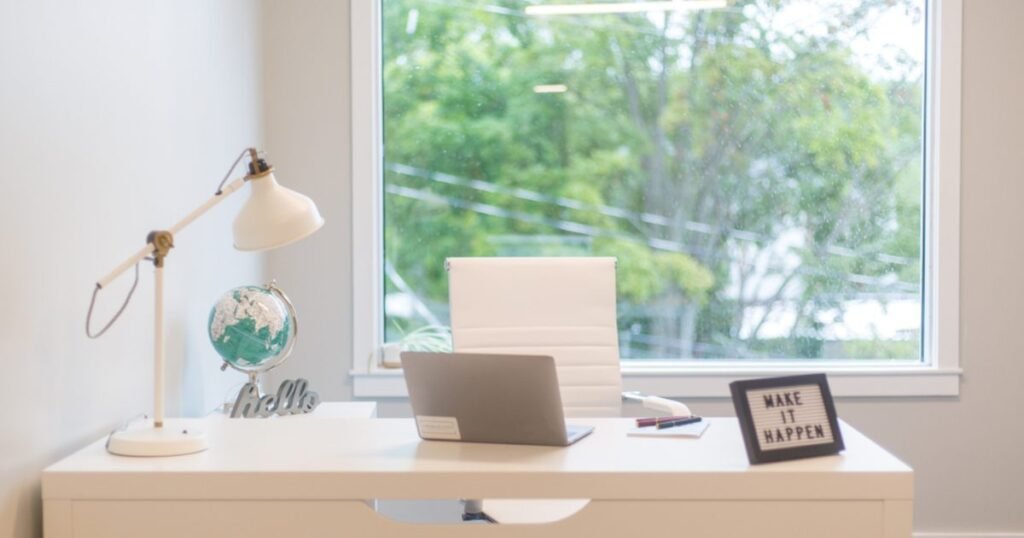
Fix the lighting before buying anything. A window or a lamp in front of you improves a call more than any webcam upgrade, and it costs nothing.
Why resolution is the wrong specification
Video conferencing compresses aggressively to keep calls stable, and the stream most participants receive is well below the resolution your camera captured. A 4K sensor feeding a heavily compressed stream mostly throws that detail away before anyone sees it.
What survives compression is contrast, exposure and color. Those depend on sensor size and on how much light reaches it, which is why a well-lit 1080p camera looks better than a poorly lit 4K one on the same call.

Specifications that actually matter
| Specification | Why it matters |
|---|---|
| Sensor size | Larger gathers more light, which is the whole problem indoors |
| Aperture | A lower f-number lets more light in |
| Field of view | Wide looks unflattering at desk distance, 65 to 78 degrees is the useful range |
| Frame rate | 60fps at 1080p looks noticeably smoother than 30fps |
| Autofocus | Fixed focus is fine at a desk and often sharper than cheap autofocus hunting |
| Microphone | Almost always worse than a headset. Plan to use something else |
Lighting, in order of cost
- Free. Face a window. Never sit with a window behind you, which is what turns you into a silhouette.
- Cheap. Move an existing desk lamp in front of you and bounce it off a wall or ceiling rather than pointing it at your face.
- Modest. A small panel light or ring light at slightly above eye level, off to one side rather than dead center.
The most common mistake is overhead lighting only, which casts shadows downward and is unflattering on everyone. Any light in front at roughly face height fixes it.
The option most people overlook
A recent phone has a far larger sensor and better processing than any consumer webcam, and both major mobile platforms now support using the phone as a camera for a computer with no third party software. If you already own the phone, this is the highest quality option available and it costs nothing.
The catch is mounting it and keeping it charged during long calls, which is a solved problem with a clamp and a cable.
What to spend, realistically
Below roughly fifty dollars, a dedicated webcam rarely beats a phone. Between fifty and a hundred and fifty you get a genuinely better sensor and usable 1080p at 60fps. Above that you are paying for features such as auto framing and hardware encoding, which matter for streaming and rarely for meetings.