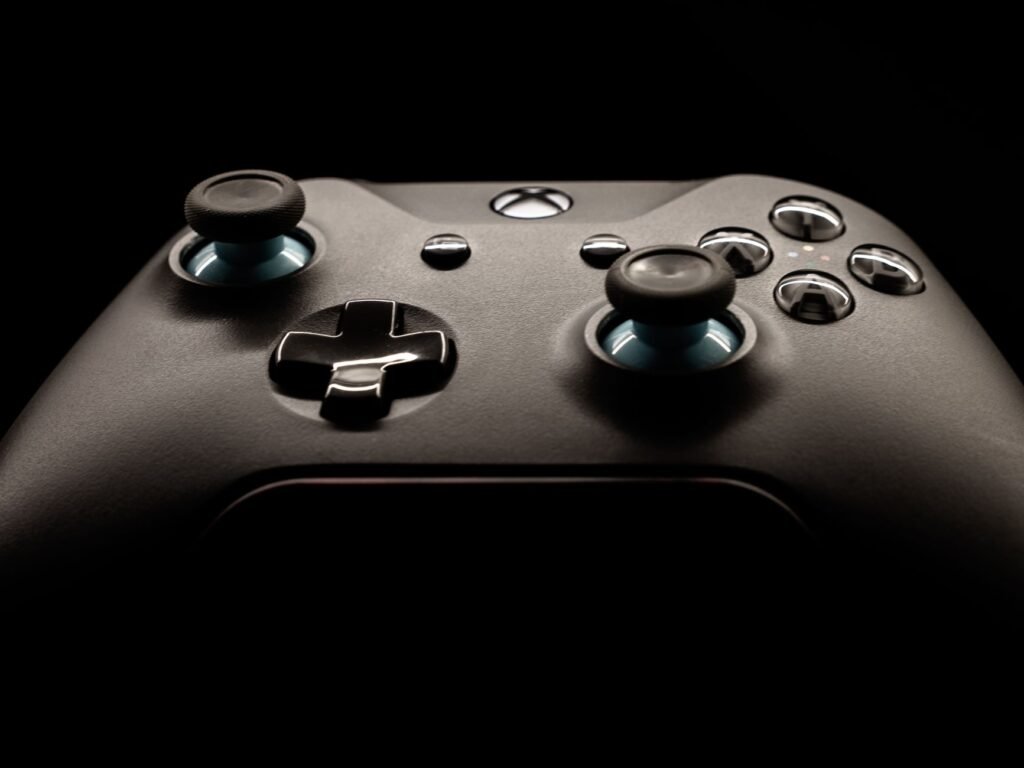
To fix stick drift, update the console and controller, recalibrate the sticks if your system offers it, reset the controller, and clean around the base of the joystick with compressed air. If the stick still moves on its own after that, the sensor inside is usually worn, and repair or replacement is the real fix.
Why controller sticks start drifting
Drift means the game reads movement when your thumb is off the stick. The camera slowly spins, or your character creeps forward in a menu. It has a few common causes.
Most traditional thumbsticks measure position with small conductive wipers moving over a resistive pad. With use, that material wears, so the controller no longer reads the true center. Dust, crumbs and skin oils can also get under the rubber cap and keep the stick from resting properly. Less often, the cause is software, like outdated firmware or deadzone settings in a game.
Before fixing anything, confirm the problem follows the controller. Try it on another console or device, or pair a different controller with the same system. If only one controller drifts everywhere, the controller is at fault. If every controller drifts in one game, look at that game’s settings instead.
Some newer and third-party controllers use Hall effect sticks, which sense position with magnets rather than rubbing contacts. Because nothing grinds against a pad, they are designed to resist this kind of wear.
Quick fixes to try before opening anything
- Update both the console software and the controller firmware from the system settings.
- Test the controller in a second game. If drift appears only in one, adjust that game’s deadzone setting.
- Recalibrate the sticks if your console has a calibration tool.
- Reset the controller. On a PS5 DualSense, a small reset hole on the back can be pressed with a straightened paper clip and held for about five seconds.
- Power the controller off. Spray short bursts of compressed air around the base of the stick while rolling it in slow circles.
- Wipe around the stick’s base with a cotton swab lightly dampened with isopropyl alcohol, then work the stick around as it dries.
Cleaning helps most when drift comes and goes. Steady drift that never changes usually points to a worn sensor.
Recalibrating Nintendo Switch control sticks
Nintendo builds a calibration tool into the Switch. Its support page says to update the system first, then open System Settings from the HOME Menu, choose Controllers and Sensors, then Calibrate Control Sticks, and follow the on-screen prompts. If the change doesn’t seem to stick, Nintendo suggests putting the console to sleep and waking it, or pressing the controller’s SYNC button once and then any other button to turn it back on.
What each platform offers
| Controller | Built-in help | Where to check next |
|---|---|---|
| Nintendo Switch Joy-Con and Pro Controller | Calibrate Control Sticks in System Settings | Nintendo support site for repair options |
| PS5 DualSense | Firmware updates and a reset button on the back | PlayStation support for warranty service |
| Xbox Wireless Controller | Check Xbox support for its current update steps | Xbox support for device repair |
| Third-party controllers | Varies by maker | The manufacturer’s own support page or app |
Coverage and repair programs change and can differ by country, so look up your controller’s warranty status before paying for a fix.
Replacing a worn stick module or sending it off
When updates, calibration and cleaning don’t help, the stick module itself is usually worn out. Replacement modules are sold for many controllers, but on some models, including the DualSense, swapping one means desoldering and soldering on the circuit board. That’s a job for someone with experience, and opening the controller can void its warranty.
If the controller is still under warranty, start with the manufacturer’s repair service. Out of warranty, compare a local repair shop’s quote with the cost of a new controller, and consider one with Hall effect sticks if drift keeps coming back.
Whichever route you choose, keep the receipt and note when the drift started. Support teams often ask for the purchase date and the steps you already tried, and having that ready makes a repair request much quicker.
Frequently asked questions
Is stick drift covered by warranty?
Often, if the controller is still inside its warranty period and has not been opened or damaged. Terms vary by manufacturer and country, and some companies run their own programs for drift. Check the manufacturer's support site with your controller's serial number or purchase date before paying for a repair.
Can stick drift fix itself?
Drift caused by debris sometimes clears after the stick is moved around or cleaned, and software glitches can disappear after an update or reset. Drift caused by a worn sensor keeps getting worse over time. If recalibrating and cleaning only help for a day or two, plan on a repair.
Does increasing the deadzone fix stick drift?
A larger deadzone hides small drift by telling the game to ignore slight stick movement near the center. It does not repair the controller, and it can make aiming feel less precise. It is a useful stopgap in games that offer the setting while you arrange a repair or replacement.
How do I fix stick drift on an Xbox One controller?
Update the controller's firmware and test it first. On a Windows PC, the Xbox Accessories app can do both, and its input test shows whether the stick registers movement while you're not touching it. Clean around the stick base with compressed air. If drift continues, the stick module is likely worn, so check Xbox support for repair options.
How do I fix stick drift on a PS4 controller?
Update the PS4 system software and clean around the stick base with short bursts of compressed air while rolling the stick. If drift continues, the stick module is likely worn. Sony's manual says not to disassemble the DualShock 4 and covers it with a one year limited warranty, so ask PlayStation support about a repair.