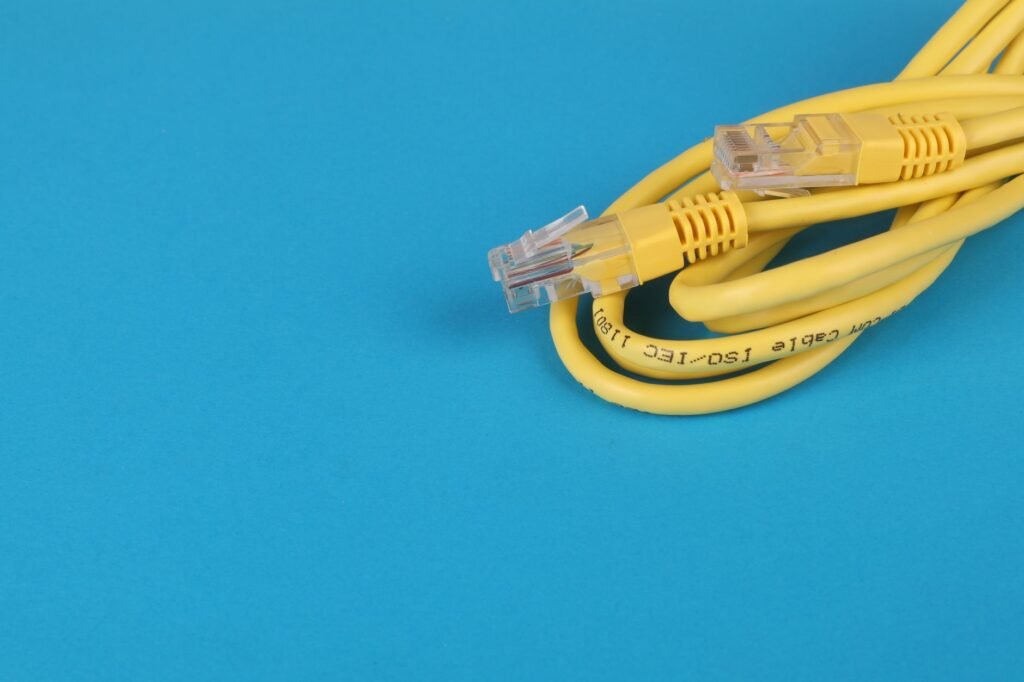
To lower ping in games, connect with an Ethernet cable instead of Wi-Fi, choose the game server region closest to you, and stop downloads, uploads and streams on your network while you play. If ping stays high after that, restart your router and modem, then check whether the delay starts with your internet provider.
What your ping number is measuring
Ping is the time a small packet of data takes to travel from your device to the game server and back, shown in milliseconds. Lower is better. It is different from download speed, which measures how much data arrives per second. A fast plan can still have high ping if the route to the server is long or congested.
Jitter is the other number to watch. It measures how much ping varies from moment to moment, and games feel worse with unpredictable delay than with a steady, slightly higher one. Distance plays a big part too, because a server across the country or overseas adds travel time no setting can remove.

Ping fixes ranked from quickest to hardest
- Pick the nearest server region in the game settings, if the game lets you choose.
- Close background apps that use the network, such as cloud backup, game launchers updating other titles and video streams.
- Pause large downloads and uploads on other devices in the house during matches.
- Plug in with an Ethernet cable.
- Restart your modem and router to clear a stuck or overloaded connection.
- If you stay on Wi-Fi, move closer to the router or use the 5 GHz band.
- Update your router firmware and your network adapter drivers.
- Turn on quality of service settings in the router, if it has them, to prioritize your gaming device.
Test after each change so you know which one helped. Many games show ping in an on screen overlay or network menu, and consoles have a connection test in their network settings.
Ethernet versus Wi-Fi for online gaming
| Ethernet cable | Wi-Fi | |
|---|---|---|
| Interference | Not affected by walls or neighbors | Walls, distance and other networks add delay |
| Consistency | Steady ping, low jitter | More spikes and variation |
| Setup | Needs a cable run to the router | Works anywhere in range |
| Best for | Competitive and fast paced games | Casual play, mobile devices |
If a cable across the house is not practical, powerline adapters or a mesh system with a wired backhaul are middle options. Results vary with your home wiring and layout. The cable itself is rarely the problem, since Cat 5e and Cat 6 cables both handle gigabit speeds over typical home distances.
Tracking down what else is using your connection
A single phone uploading photos to cloud storage can make ping jump for everyone in the house. Upload traffic in particular can fill the line and make game data wait in a queue, a problem often called bufferbloat. Many free online speed tests now report latency while the line is busy, which shows whether this is happening. Some routers include a smart queue or SQM setting designed to manage this, and the router’s manual explains how to turn it on.
Your router’s app or admin page usually lists connected devices and what they are using. Schedule backups and system updates for overnight, and set streaming devices to lower quality while you play.
When high ping starts at your internet provider
If ping is high even with a cable, a restarted router and nothing else running, test your connection at different times of day. Ping that only climbs in the evening points to congestion on your provider’s network.
On Windows, the ping and tracert commands in Command Prompt show the delay to your router and along the route. High numbers right at the router point to your home setup. Numbers that jump a few steps later point outside it. Share those results with your provider’s support line and ask whether a line check or plan change would help. Some games also let you cap the ping allowed in matchmaking, which keeps you off distant servers.
Frequently asked questions
What is a good ping for online games?
Lower is always better, and the steadiness of the number counts as much as the average. Fast competitive shooters feel noticeably worse with high or spiky ping, while turn based and casual games tolerate far more delay. Compare your ping across servers in the same game to see what is realistic from your location.
Does a gaming VPN lower ping?
Usually not. A VPN adds an extra stop between you and the game server, which tends to raise ping. In rare cases it can route around a badly congested path on your provider's network. Test with and without it to see which gives the lower, steadier number.
Why is my ping high but my internet speed is fast?
Speed tests measure how much data arrives per second, while ping measures delay. You can have plenty of bandwidth and still see high ping from Wi-Fi interference, a distant server, background uploads or congestion along the route. Test on a wired connection to narrow down the cause.
How do I check my ping?
The easiest place is the game itself, since most online games can show ping in an on screen overlay or network menu. Consoles include a connection test in their network settings, and many online speed tests report latency too. Check it on the server you actually play on, because ping differs from one server to another.
How do you ping an IP address?
On Windows, open Command Prompt, type ping followed by a space and the IP address, and press Enter. Windows sends four echo requests by default and lists each reply's round trip time in milliseconds. Add /t to keep pinging until you press Ctrl+C, and a Request timed out message means no reply came back in time.