
HTTPS stands for hypertext transfer protocol secure. It is the ordinary language browsers use to request web pages, with a layer of encryption wrapped around it so the traffic between your device and the site cannot be read or altered by anything sitting on the network in between.
Breaking the letters apart
| Part | Meaning |
|---|---|
| Hypertext | Text with links in it, the basic material of a web page |
| Transfer | Moving that page from a server to your browser |
| Protocol | The agreed set of rules both sides follow so the exchange works |
| Secure | The whole exchange is encrypted before it leaves your device |
The first three letters describe a system that has been in place since the early web. The S is the addition. Underneath it sits a security layer called TLS, short for transport layer security, which is the successor to the older SSL that many people still name out of habit. Browsers now treat the encrypted version as the default and mark anything else as a warning.
You will still see the letters written in lowercase at the front of a web address, though most browsers now hide that prefix and show only the site name. The scheme is still there. Clicking into the address bar or copying the link reveals the full form.
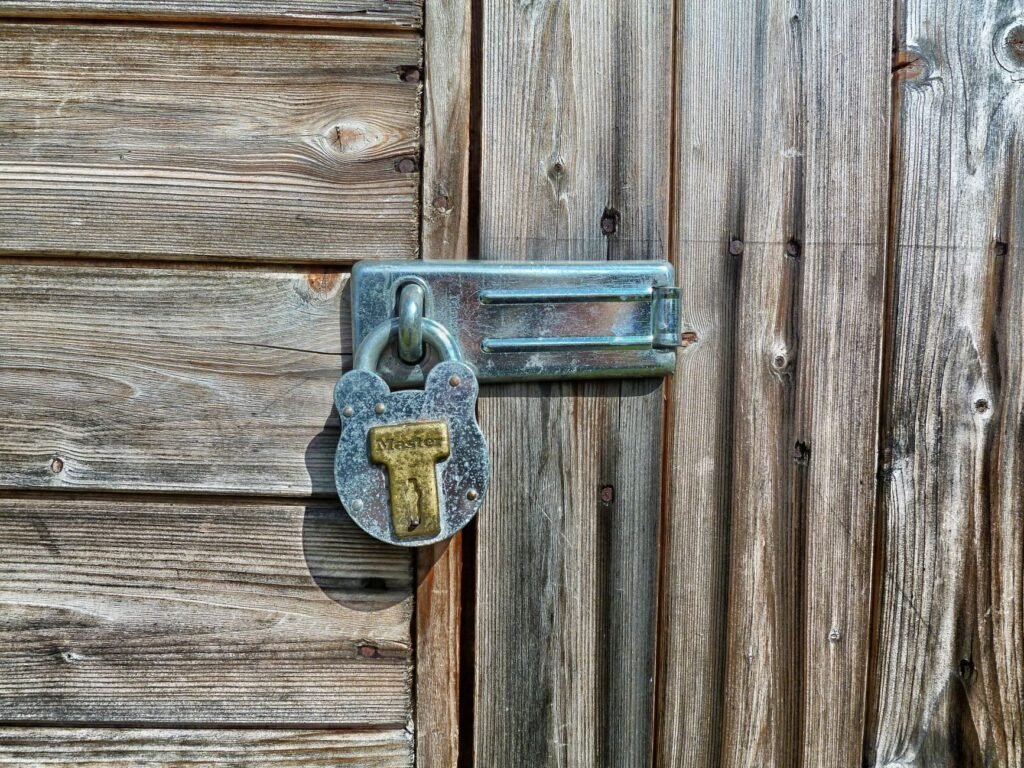
What the encryption actually covers
Think of it as a sealed envelope rather than a background check on the recipient. Your browser and the server agree on a shared secret, then everything after that point travels scrambled. Passwords, card numbers, search terms inside the site and the contents of pages coming back are all unreadable to anyone watching the connection.
That matters most on networks you do not control. On shared coffee shop or airport connections, the person sitting nearby has no way to pull your login out of the air. It also stops tampering along the route, which is how injected ads and altered downloads used to reach people on unencrypted pages.
What it does not cover is anything that happens after delivery. A shop with encrypted checkout can still store your details badly, lose them in a breach, or hand them to partners you never heard of. Encryption protects the journey and has nothing to say about the destination.
The padlock does not mean the site is trustworthy
Here is the part worth remembering above everything else. The padlock icon tells you the connection is encrypted. It says nothing about who is on the other end or whether they intend to rob you. A fraudulent page collecting bank logins can obtain a certificate as easily as anyone else, and the certificates that enable this are free and issued automatically.
So a phishing site looks exactly as reassuring as your real bank. The padlock is there, the warning is absent, and the only difference is the name in the address bar. Advice from years ago told people to look for the lock before entering card details, and that advice is now actively misleading, because attackers adopted the lock long ago.
Browser makers responded by quietly demoting the symbol. Recent versions swapped the padlock for a neutral settings icon in some cases, precisely because so many people read it as a seal of approval rather than a statement about the pipe.
Read the domain instead of the icon
- Find the rightmost part of the name before the first single slash. That is the actual domain, and everything to its left can be faked freely.
- Watch for lookalike spellings, swapped letters, and extra words bolted onto a familiar brand with hyphens.
- Treat a certificate warning as final. Encrypted but unverified is worse than no lock at all.
- Reach important accounts through a saved bookmark or by typing the address, never through a link in a message.
Password managers help here in a way people underuse. A saved login fills in only on the exact domain it was stored for, so a manager that stays silent on a page claiming to be your bank has just told you something your own eyes might have missed.
Frequently asked questions
What is the difference between HTTP and HTTPS?
Both move the same web pages using the same rules. HTTPS wraps that traffic in encryption first, so anyone positioned between your device and the server sees scrambled bytes rather than readable text. Browsers now flag plain HTTP pages as not secure because that protection is missing.
Does HTTPS hide which websites I visit?
Only partly. The page path and anything you type stay hidden, but the domain name itself is usually visible to your network provider. Someone watching the connection can tell which site you reached, even though they cannot read what you did once you were there.
Why does my browser warn about a certificate?
A certificate warning means the identity paperwork failed a check. It may have expired, it may be issued for a different domain, or it may come from an authority the browser does not trust. Treat it as a stop sign and do not enter anything on that page.