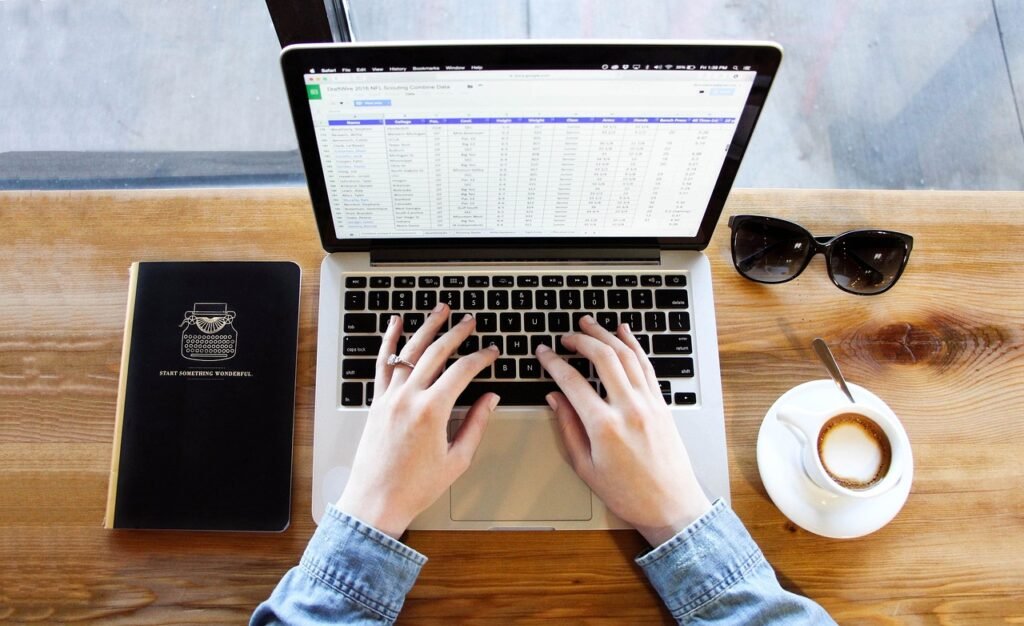
Shut the machine down, brush the dust off with a dry microfiber cloth, then wipe with a cloth barely dampened with distilled water and dry it right away. The rules that matter on a laptop are different from a desktop panel, because the lid closes onto a greasy keyboard and liquid can run straight into the hinge.
Laptops get greasy in a key shaped grid

Look at a laptop display in raking light and you will often find a faint checkerboard across it. That is not a manufacturing flaw. The gap between an open lid and the key caps is tiny, so every time the machine closes, the oil your fingertips left on the keys presses onto the display and transfers across.
The fix is embarrassingly simple. Lay a thin microfiber sheet or a clean cloth over the keyboard before you close the lid. It stops the transfer and it also stops the key caps from tapping against the panel when the laptop is carried in a bag, which is a separate source of small marks.
This is also why laptops usually need cleaning more often than desktop monitors even though they live in cleaner air. A desktop panel collects airborne dust. A laptop panel collects a person, one closing of the lid at a time.
The oil resistant coating and how it dies
Glossy displays and touchscreens carry an oleophobic layer, a very thin coating that makes skin oil bead up rather than spread. It is why a fresh phone screen wipes clean with a single pass and an old one smears. That coating is sacrificial, it wears down through normal use, and solvents strip it far faster than fingers do.
Alcohol is the main offender, and it is in most disinfectant wipes, most hand sanitizer and most general purpose sprays. Once the coating is thin or gone, fingerprints bond to bare glass and cleaning becomes a chore that never quite succeeds. Nothing sold to consumers puts it back. Check what your manufacturer publishes for your exact model, since some hardened glass touch panels tolerate a specific dilution while plastic laptop panels tolerate none.
A clean that takes two minutes
- Power down and unplug. A dark screen shows every mark, and a powered screen that gets wet is a real risk on a laptop where the panel and the board are inches apart.
- Dry sweep first with clean microfiber, working from the top edge downward so dust falls away from the hinge rather than into it.
- Dampen a corner of the cloth with distilled water and squeeze it out until nothing can drip. Apply liquid to the cloth and never to the screen.
- Wipe in straight overlapping lines, supporting the back of the lid so you are not flexing the panel with every stroke.
- Stop short of the bezel edge at the bottom, where the seam leads straight into the hinge and the cable channel.
- Buff dry with an untouched section of cloth before the moisture has a chance to sit.
Matching the method to the surface
| Surface | What it is | Use |
|---|---|---|
| Glossy laptop display | Plastic or glass with an oil repellent coat | Dry microfiber, then distilled water |
| Touchscreen laptop or tablet | Hardened glass, coating is the whole point | Dry cloth first, minimal water, no solvent |
| Keyboard and palm rest | Painted or coated plastic | Cloth with a drop of dish soap, wrung out |
| Hinge and bezel seam | Direct path into the electronics | Dry brush only, never anything wet |
| Laptop vents | Dust traps that raise running temperature | Soft brush, short bursts of air from a distance |
The things that quietly cause damage
Paper towels and tissues feel soft and are not. Both are made of wood fiber with hard edges at the microscopic scale, and on a plastic laptop panel they leave a web of fine scratches that shows up whenever a bright window is behind you. Clothing is no better, because whatever is embedded in the fabric gets dragged along with it.
Fingernails are the other common culprit. Picking at a dried spot with a nail through a cloth concentrates all the pressure in one point, which is enough to mark a soft plastic display. Hold the damp cloth still on the spot for thirty seconds instead and let it soften, then wipe it away with no force at all.