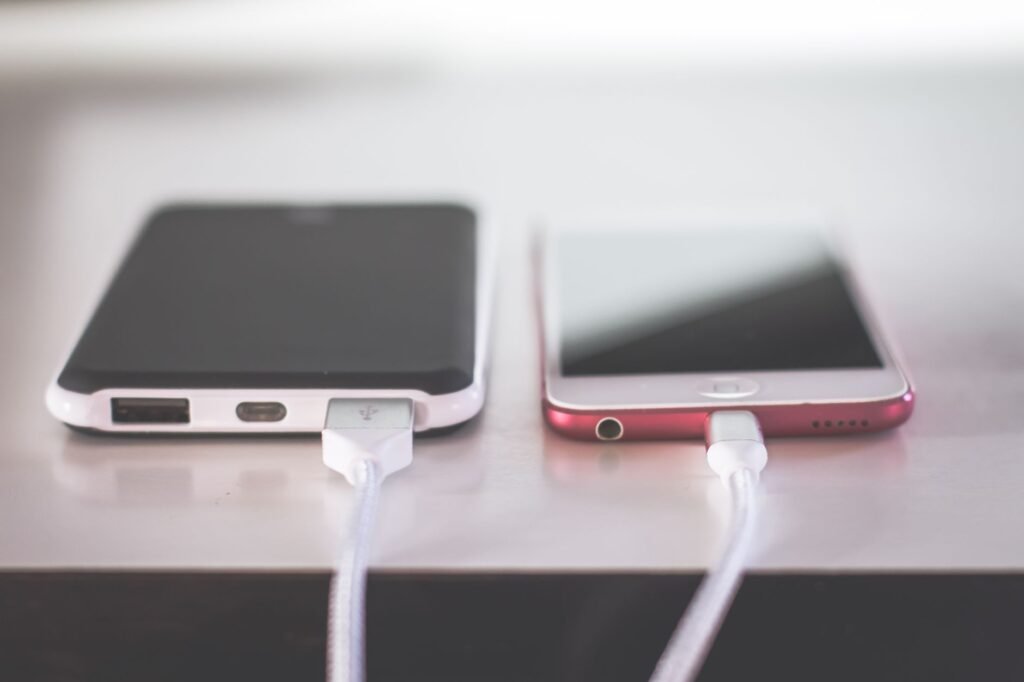
To fix slow charging, use a wall adapter with enough wattage for your phone, a cable in good condition, and a charging port that is clear of lint. Then keep the phone cool while it charges, because phones limit charging speed on purpose when they get too warm or too cold.
Adapter wattage caps how fast a phone can charge
A phone can only charge as fast as the adapter and cable let it. An old cube adapter from a previous phone, a laptop USB port or a car socket may supply far less power than your phone can take, and the result is a phone that crawls up a few percent an hour.
Apple lists the adapter each iPhone needs for fast charging on its fast charge support page. For iPhone 15 and earlier models, that means an 18W or greater USB-C adapter or a comparable third party adapter that supports USB Power Delivery, and newer models list higher wattages. Android phone makers publish the supported charging standard and wattage in each model’s specifications, so compare that to the label printed on your adapter.
Lint in the charging port and worn cables
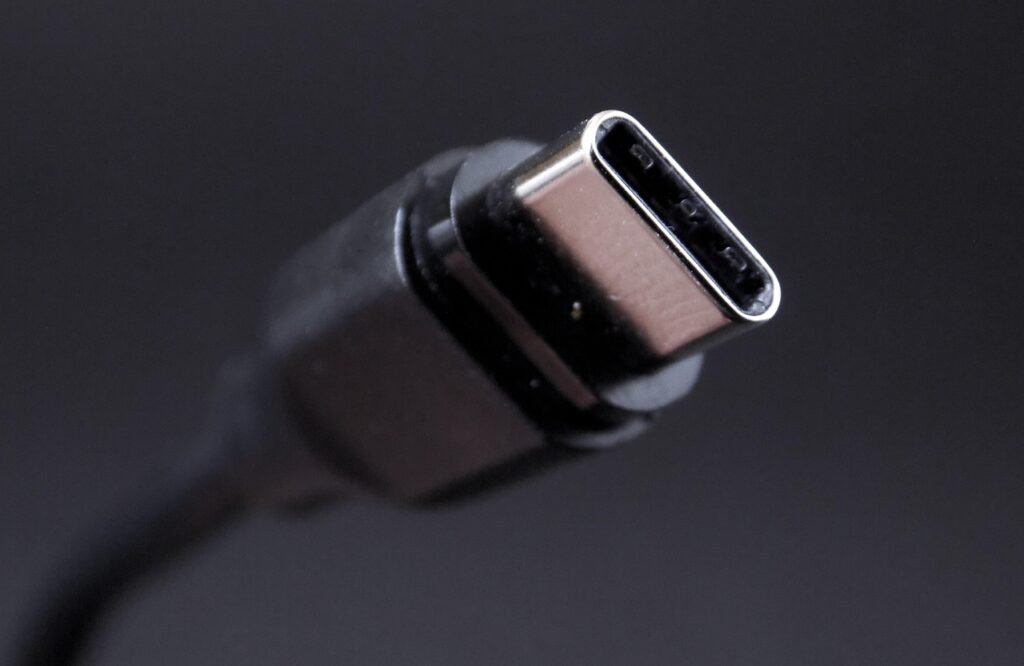
Pockets pack lint into charging ports a little at a time, and eventually the plug cannot seat all the way. The connection still works, just poorly, and charging slows or drops in and out. Apple advises removing any debris from the port and then plugging the cable in firmly.
Power the phone off, shine a flashlight into the port, and gently lift out lint with a wooden toothpick. Avoid metal pins or paper clips, which can scratch or short the contacts. Then look at the cable and adapter for fraying, bent prongs or broken housings, and stop using anything damaged. Swapping in a known good cable is the quickest test there is.
Heat, the 80 percent pause and charge limits
Temperature changes charging speed more than most people expect. Apple notes that fast charging might not work when conditions are too hot or too cold, and that if the battery gets too warm, software might limit charging above 80 percent until it cools. Take a thick case off, move the phone out of the sun and off a warm pillow, and let it charge somewhere cool.
A pause at 80 percent can also be deliberate. Optimized Battery Charging delays charging past 80 percent in certain situations, and you can touch and hold its Lock Screen notification and tap Charge Now. On iPhone 15 and later, Settings, then Battery, then Charging also lets you set a charge limit between 80 and 100 percent, so check that nobody set it low. Plenty of Android models offer comparable charging controls in their battery settings.
Slow charging clues and what each one points to
| What you notice | Likely cause | Try this |
|---|---|---|
| Slow with every cable and adapter | Port debris or battery wear | Clean the port, then check battery health |
| Fast with one cable, slow with another | Worn or low-rated cable | Replace the cable |
| Stalls around 80 percent | Heat, optimized charging or a charge limit | Cool it down, check battery settings |
| Slow only while you use the phone | Screen and apps using power | Let it charge undisturbed |
| Slow from a laptop or car | Low-power source | Use a wall adapter |
| Slow in a cold car or a hot room | Temperature protection | Let it reach room temperature |
When slow charging comes down to the battery
Rechargeable batteries are consumable parts. As they age chemically, the charge they can hold drops, and an old battery can behave strangely on the charger. On iPhone, the Battery section of Settings shows battery health; on iPhone 14 and earlier it sits under Battery Health and Charging. Android phones vary, so check your phone maker’s help pages.
Install the latest software update too, since Apple lists that as a step for charging problems. If the battery is worn or the phone still charges slowly after every check above, book a repair with the phone maker or an authorized service provider rather than opening it yourself. A phone that does not charge at all is a different problem with its own checklist.
Frequently asked questions
Does using your phone while charging slow it down?
It can. Anything that draws power, such as a bright screen, navigation, video calls or games, uses part of what the charger supplies, and it also adds heat, which can make the phone limit charging speed. Leaving it alone for half an hour gives a truer picture of how fast it charges.
Is it safe to use a higher wattage charger than my phone needs?
Generally yes with a reputable adapter that follows the USB Power Delivery standard, because the phone negotiates how much power to draw rather than taking whatever the adapter could supply. Apple, for example, lists comparable third party USB Power Delivery adapters as acceptable on its fast charging page.
Can a wireless charger be as fast as a cable?
Wireless charging has its own limits, set by the pad, its power adapter and the phone. Apple lists separate wattage requirements for MagSafe charging, and iPhone 15 and earlier models support up to 15W wirelessly. If speed is the goal, a good cable and a matching wall adapter is the safer choice.
Is fast charging bad for your phone?
Not when the phone handles it as designed. Apple says its batteries fast charge to 80 percent, then switch to slower trickle charging, a process it says extends battery lifespan. Heat is the bigger risk, and Apple warns that ambient temperatures above 95 degrees Fahrenheit can permanently damage battery capacity, so avoid charging a phone that is already hot.
Is 20W fast charging?
For many phones, yes. Apple lists an 18W or higher USB-C adapter for fast charging iPhone 15 and earlier models, and 20W or more for iPhone Air and iPhone 17e. The iPhone 17 models need at least 40W for their fastest charge, and Android makers list each phone's supported wattage in its specifications.